
Start with the destination
Choose the origin, destination, distance band, travel method and terrain. Decide why the group is travelling and what reaching the end means.
Fantasy journey preparation
A route to follow.
Decisions along the way.
An arrival that matters.
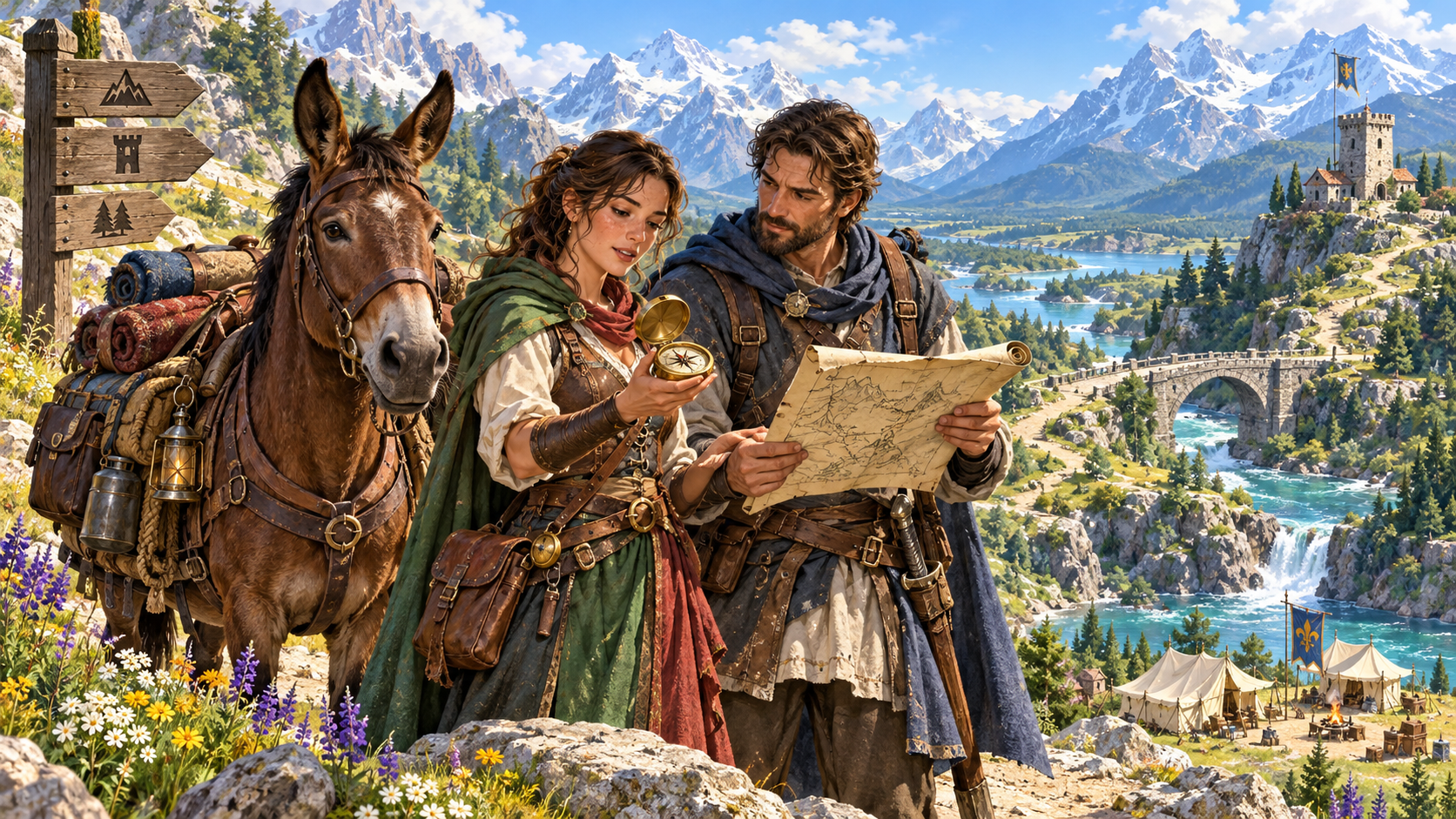
Make the journey part of the adventure
Prepare the route and the decisions it brings.
Choose the origin, destination, distance band, travel method and terrain. Decide why the group is travelling and what reaching the end means.
Review route legs, camps, travel estimates and provisions. Add navigation pressure, events, discoveries and choices that suit the journey.
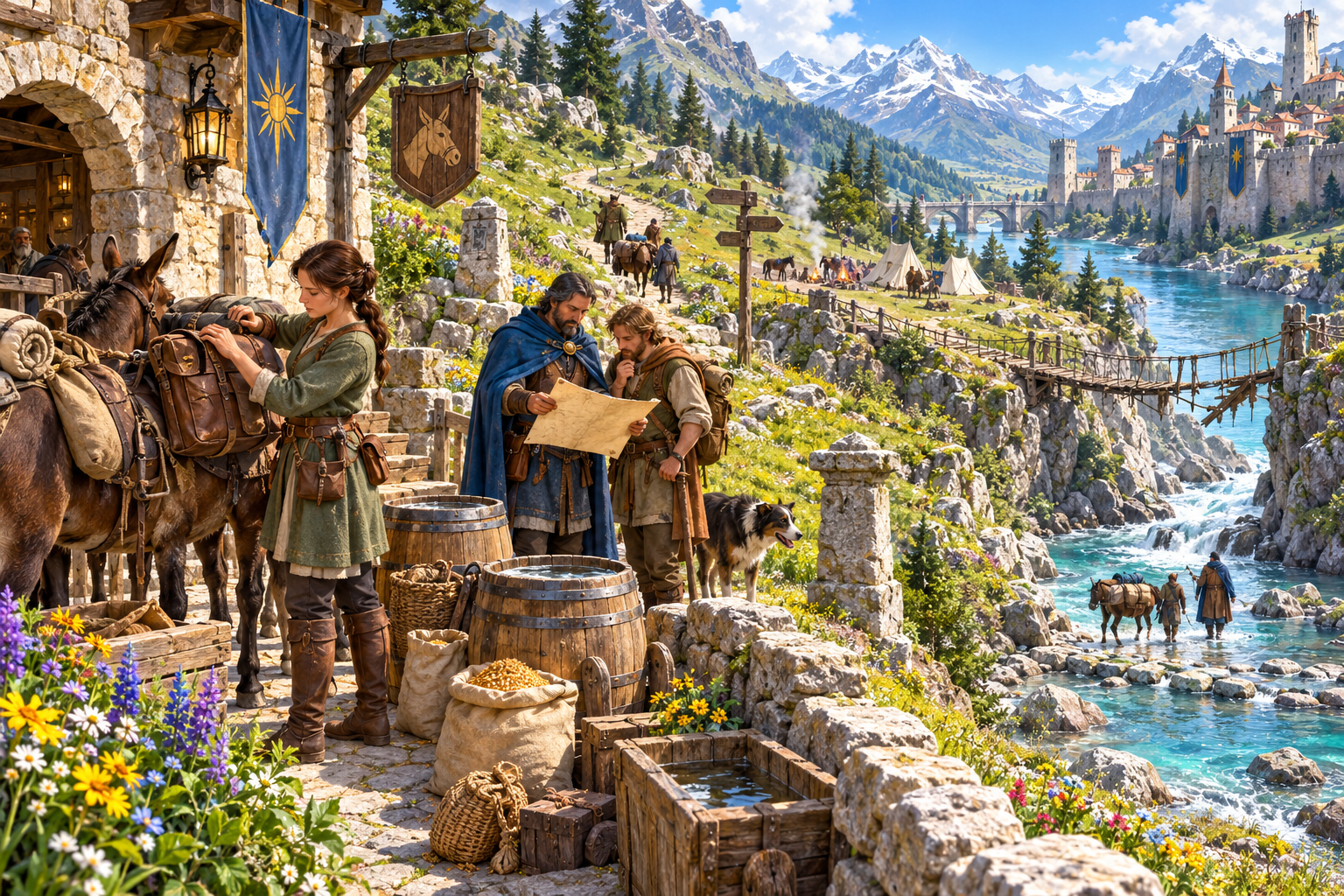
Provisions and paths
The illustration shows travellers checking packs and a map beside an inn, grain barrels and a laden mule. Beyond them are paths, a river ford, a rope bridge and a fortified town.
Prepare transport, cargo and supplies alongside the route. Review camps, crossings and possible events, then choose the details that make this expedition matter.
The route and the expedition
Keep the journey details together for review.
Choose where the journey starts and where the travellers want to arrive. Add an expedition objective to give the route a purpose.
Choose primary terrain, road quality, distance and route legs. Review crossings, stops and the route details against your map.
Prepare a road, caravan, river, mounted or wilderness journey. Use travel method and pace to shape the travel estimates.
Set group size and supply pressure. Review abstract person-day supply guidance and plan animals and special cargo separately.
Include cargo, animals and an escort in the expedition setup. Keep their needs beside the route and the purpose of the journey.
Prepare places to rest, seek shelter and break the journey. Review stop risks and choose which camps matter to the adventure.
Set navigation difficulty, danger, civilisation and time pressure. Record the season and supplied weather notes as context.
Review optional hazards, delays and fellow travellers. Choose the events that make sense for the route and your table.
Prepare discoveries and choices about shortcuts. Review a requested return-route variant alongside the outward journey.
Review suggested arrival conditions and consequences. Adapt the destination scene to what actually happens during play.
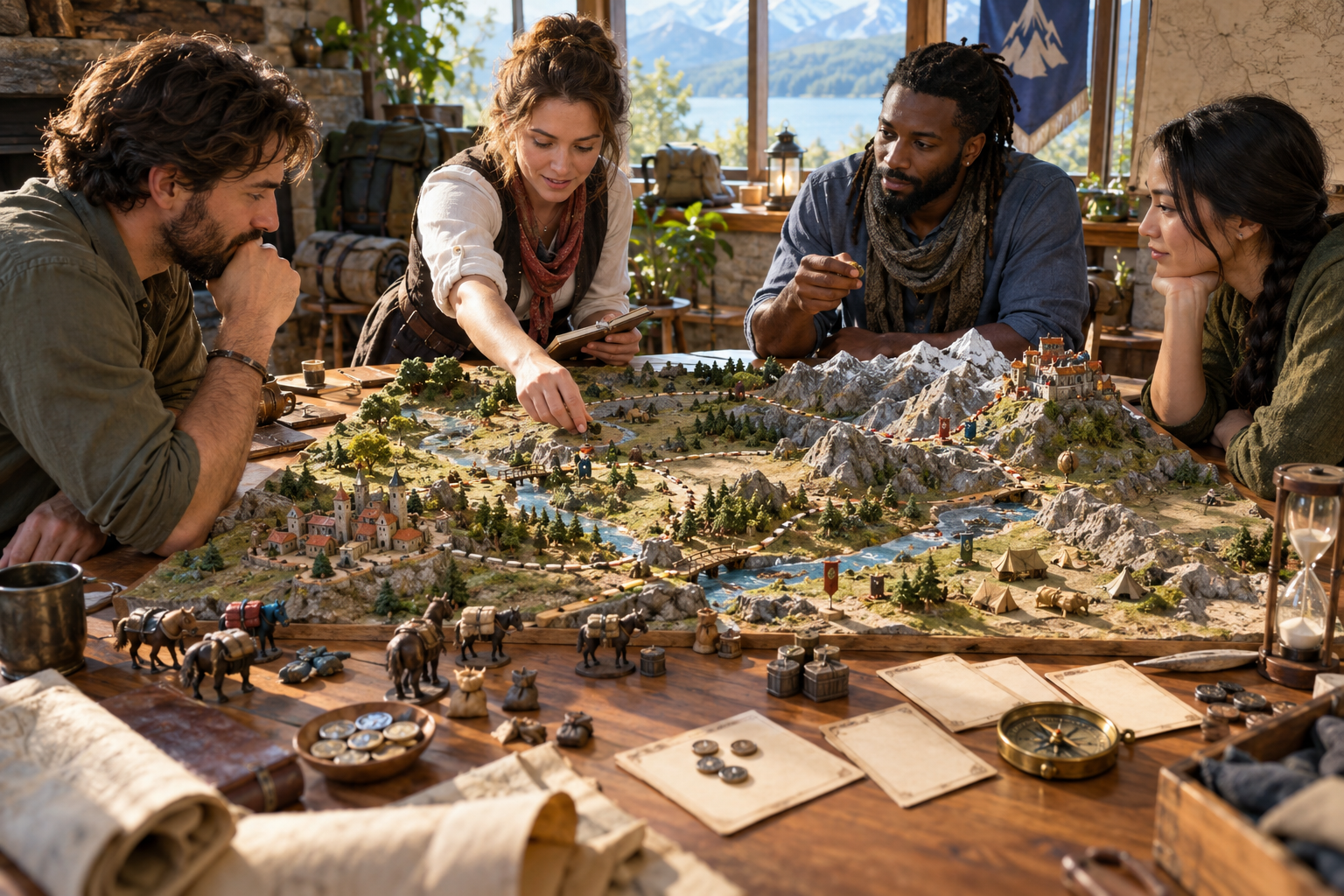
A route model and a shared plan
The illustration shows four planners considering a tabletop route model with villages, a river, mountains, a caravan and camps. A map, compass, hourglass and supplies sit beside their plan.
Choose the destination and travel setup, generate the plan, then review legs, estimates, stops and events. Edit the journey JSON to fit your map and the adventure you want to run.
From the starting point to arrival
A focused workflow for journeys and expeditions.
Enter the origin and destination. Select a distance band, travel method and primary terrain, then decide the purpose of the expedition.
Add group size, road quality, pace, supplies, cargo, animals and escort. Set navigation pressure, danger, stops and time pressure.
Check legs, crossings, distances, estimates and supply guidance beside your map. Choose useful camps and events and refine the full journey JSON.
Keep discoveries and complications in your session notes. Prepare selected player details and adapt the suggested arrival to events during play.
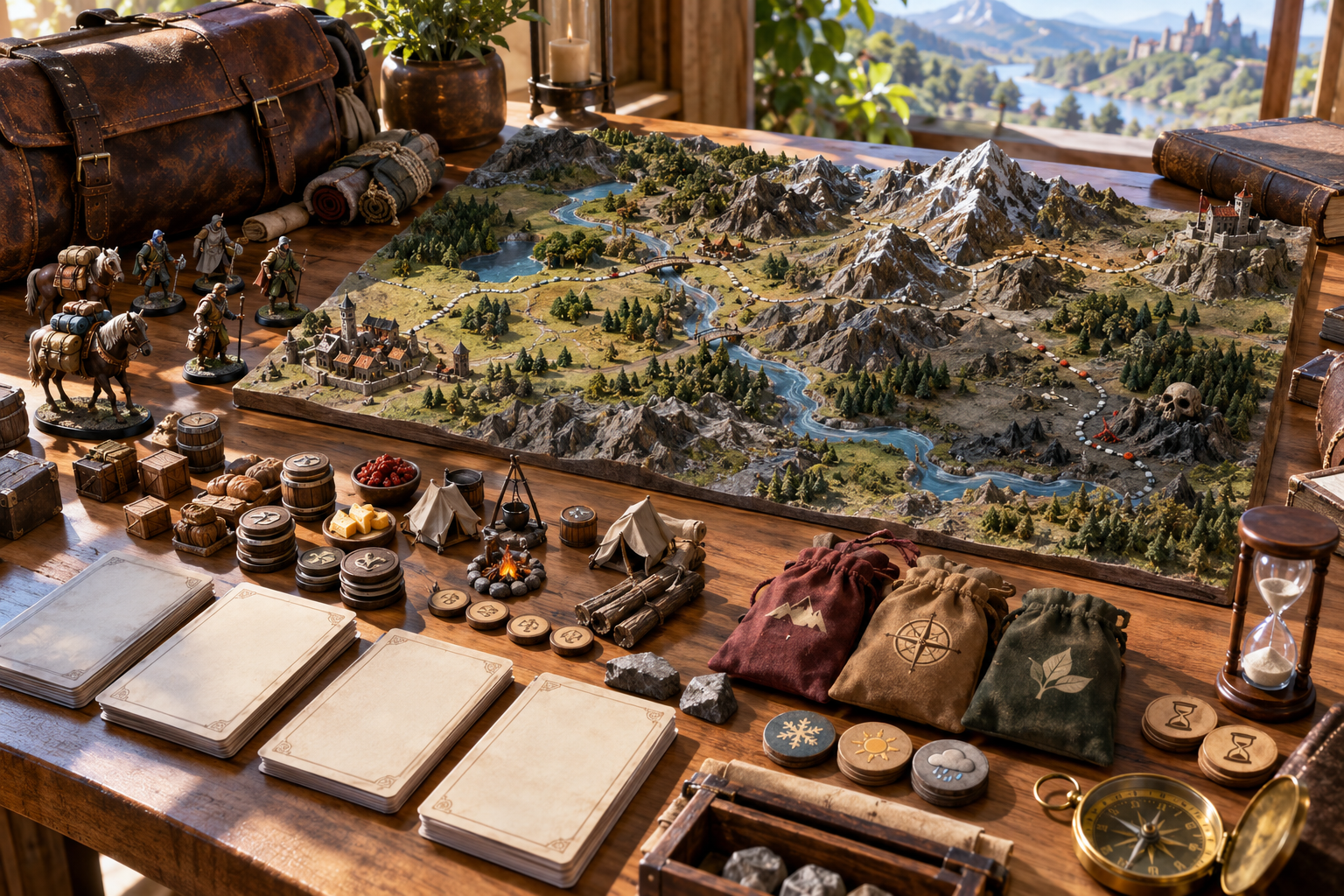
The complete journey package
The illustration shows a complete tabletop route through villages, river crossings and mountain paths. Caravan figures, provisions, tents, event tokens, a compass and an hourglass surround the model.
Keep the route, camps, estimates and optional events together. Review discoveries, shortcuts and arrival suggestions when preparing the next stage of your adventure.
Keep your expedition plans
Return to the journey as your campaign develops.
Save a journey record, search by name and reopen the plan. Keep expedition preparation beside your wider campaign notes.
Duplicate a journey when you want a separate version. Review and edit route details and estimates for its new purpose.
Copy the full journey as JSON. Review events, discoveries and complications and choose what belongs in your session notes.
Download the complete JSON file or print the travel sheet. Prepare the selected route and travel details you want to share with players.
Your workspace and related tools
Open your tools through your VISINVOKE account.

Open Travel & Expedition Generator in DCC. Get the desktop workspace through your account installer page.
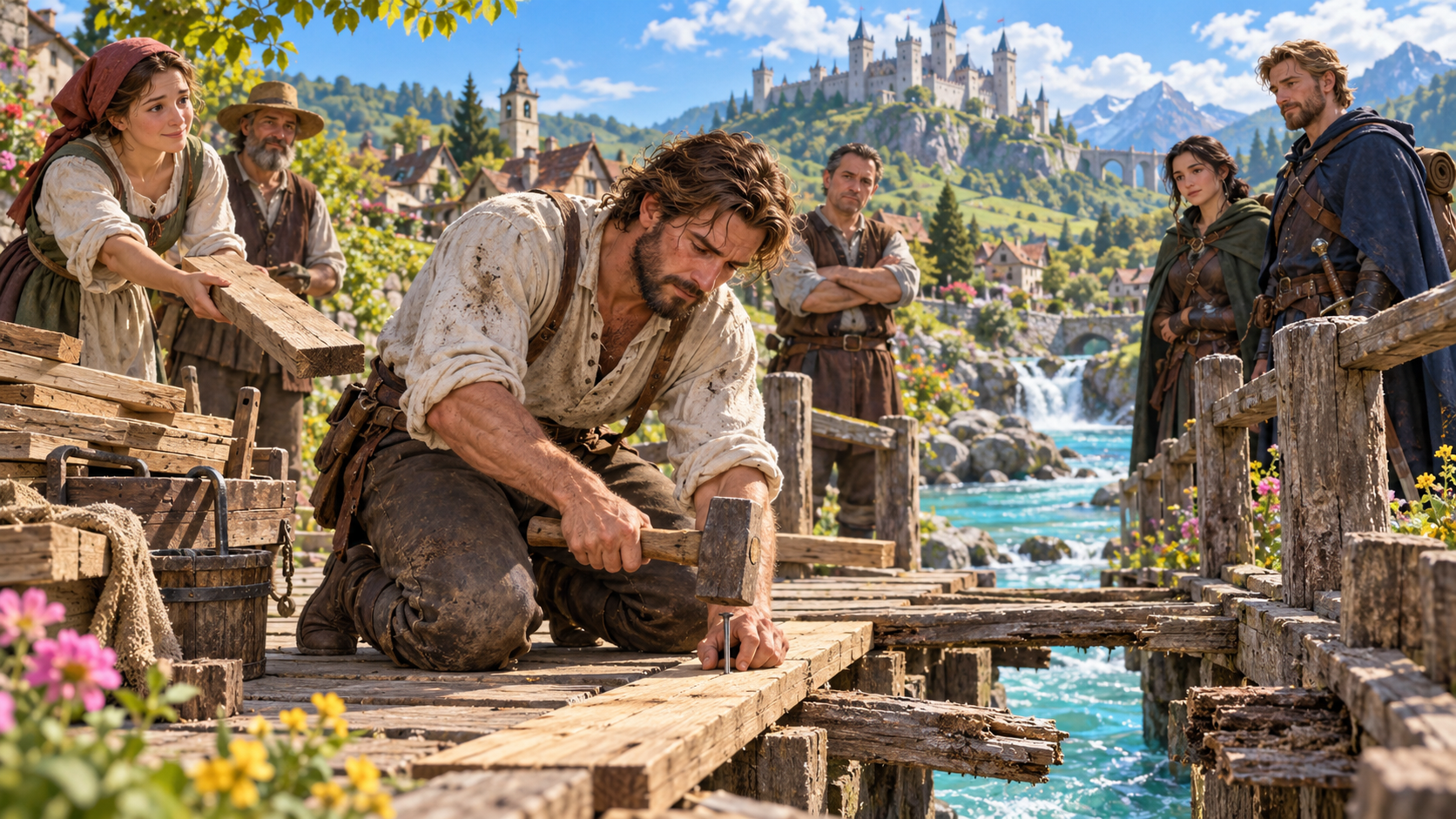
Prepare a separate story about making amends, its cost and how others respond. Use that material alongside your adventure.
Product illustrations show travellers, provisions, route planning and a complete journey model.
Questions and answers
Routes, travel estimates, supplies, events, exports and account access.
It creates a journey plan with origin, destination, route legs, travel and supply estimates, camps, navigation challenges, optional events, discoveries, shortcuts and arrival suggestions.
Choose an origin, destination, distance band, travel method and primary terrain. Generate the plan, then review route legs, estimates and events for your adventure.
Set exact distance, group size, leg count, road quality, pace, season and supplied weather notes. Refine supply pressure, navigation, danger, civilisation, stops, objective, cargo, animals, escort and time pressure, and request a return-route variant.
Review the route against your map, check distances and estimates, and edit the journey JSON as needed. Choose suitable events and decide how weather, travel and arrival suggestions affect play.
Copy the full travel sheet as JSON, download the complete JSON file or print the travel sheet. Review discoveries and complications, then prepare the selected details you want players to see.
Open Travel & Expedition Generator from the Generators collection in VISINVOKE Desktop Control Centre. Create an account or sign in and get DCC through your account installer page.
Continue in VISINVOKE
Create an account or sign in. Get Desktop Control Centre through your account installer page and open Travel & Expedition Generator.
Keep journey plans and expedition notes beside your campaign preparation.